Image model selection guide
Find a model for what you want to create.
Compare six image models by their creative focus, suitable tasks and practical tradeoffs. Explore a model in detail, then bring your idea into the ImageWish workspace.
Start with the task
Your subject, required content and reference material are useful starting points. More than one model may suit a task; follow the links to explore its approach.
01
Explain information and ideas
For learning cards, infographics and diagrams, look at information hierarchy, text placement and how several views fit together.
02
Develop a brand or product visual
For advertising, product-detail visuals and posters, consider brand constraints, graphic layout and which reference details must remain recognizable.
03
Explore a scene or visual direction
For portraits, story panels and interface concepts, consider camera direction, composition, content order and the scope of each revision.
Compare the essentials
These focuses summarize developer documentation and our model guides. Output sizes and starting costs reflect the settings currently available on ImageWish.
Compare the essentials| Nano Banana 2 | Visual information and text-led composition | Output size1K · 2K · 4K | Starting costFrom 30 credits / image |
|---|
| Nano Banana Pro | Brand constraints and complex creative control | Output size1K · 2K · 4K | Starting costFrom 50 credits / image |
|---|
| GPT Image 2 | Detailed instructions and structured visual briefs | Output size1K · 2K · 4K | Starting costFrom 20 credits / image |
|---|
| GPT Image 2.5 Flare | Photographic people and creative iteration | Output size1K · 2K · 4K | Starting costFrom 20 credits / image |
|---|
| Seedream 5 Pro | Infographic structure and multiple-view planning | Output size1K · 2K | Starting costFrom 25 credits / image |
|---|
| Seedream 4.5 | Graphic layouts and reference-detail preservation | Output size2K | Starting costFrom 20 credits / image |
|---|
The exact cost depends on your settings. Check it before generating.
Explore the six approaches
Each model has a different emphasis. Read the features, suitable tasks and considerations before choosing where to start.
01 / Google
Nano Banana 2
Create posters, product images and character scenes.
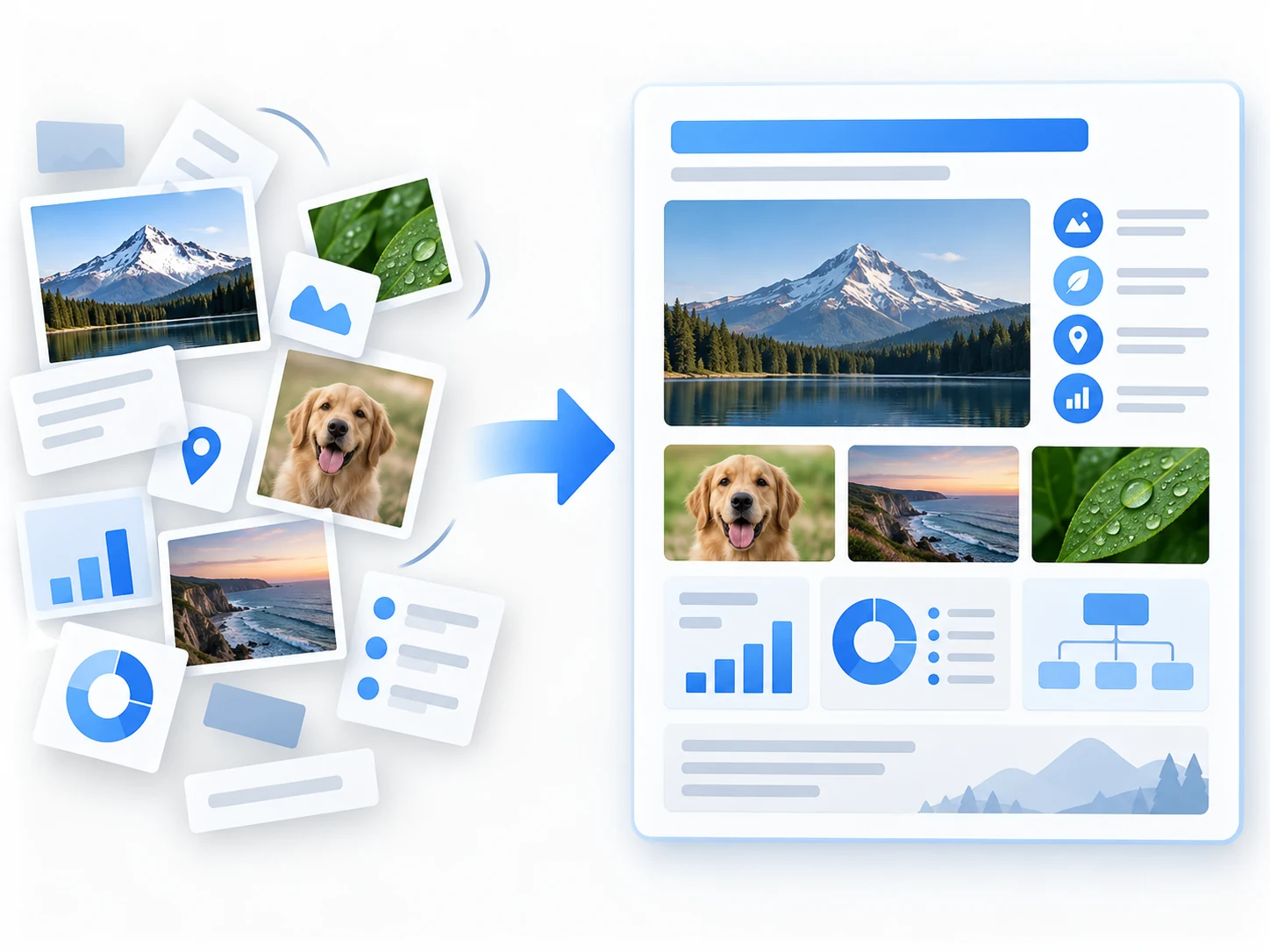
- Organize notes, facts and visual elements into clear diagrams by specifying the information and reading order.
- Arrange headings, labels and short copy in one composition, including layouts intended for different languages.
- Assign roles to character, object and scene references to describe relationships between several subjects.
Suitable tasks
Learning cards, explainers, text-led covers, concept sketches and reference-based variations.
What to consider
Review lettering, facts and subject relationships. ImageWish has no separate web-search feature, so supply verified information yourself.
02 / Google
Nano Banana Pro
Turn detailed briefs into brand visuals.
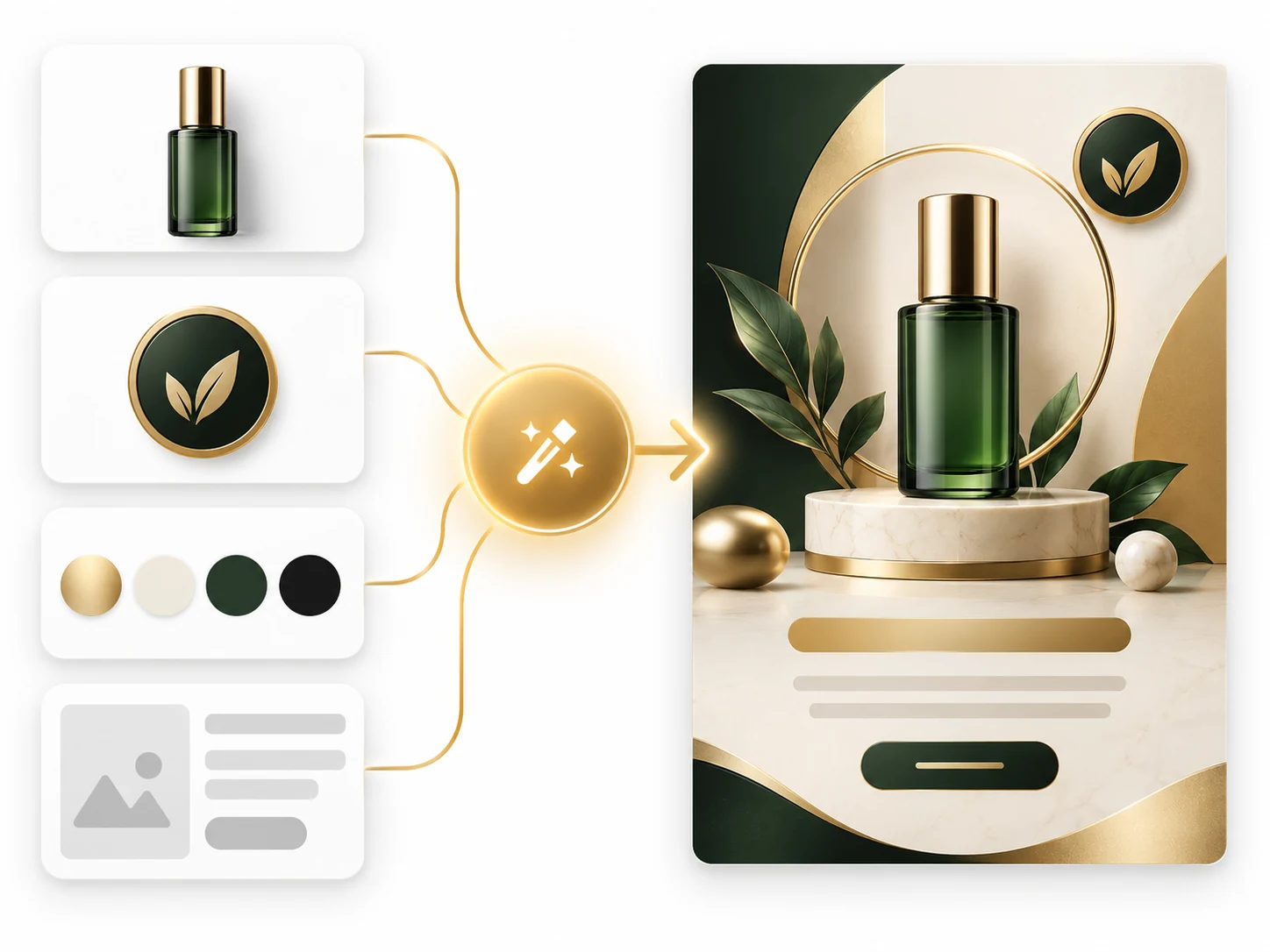
- Bring brand identity, product appearance, copy hierarchy and advertising style into one detailed brief.
- Describe subject placement, camera, lighting and materials to define control points in complex scenes.
- Use references to explain product and character consistency, then inspect which details were retained.
Suitable tasks
Product advertising, brand proposals, character posters and complex concept art.
What to consider
Consider it for tightly specified professional briefs. Review logos, lettering and details, and choose an output size that fits your credit budget.
03 / OpenAI
GPT Image 2
Create layouts, storyboards and interface concepts.
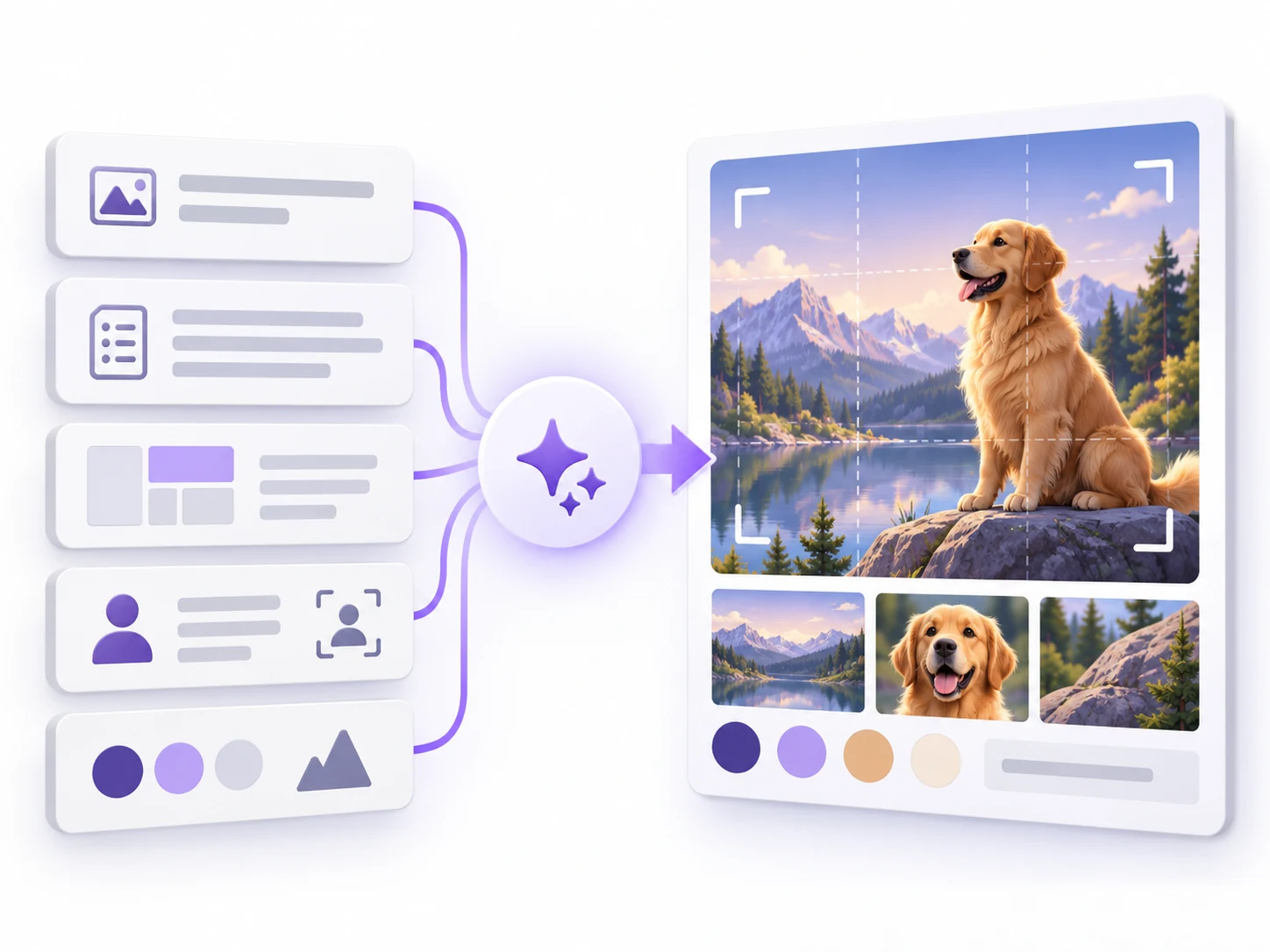
- Turn a checklist of content, layout and style requirements into a visual concept you can discuss and refine.
- Arrange panels and story progression inside one image by describing each subject and its continuity.
- Explore static interface concepts or reference-based changes with explicit preservation and revision boundaries.
Suitable tasks
Advertising briefs, graphic design drafts, comic storyboards and static UI concepts.
What to consider
Interfaces and panels are visual drafts in one image. Inspect lettering, spatial relationships and continuity; an interface image is not a functioning app.
04 / OpenAI
GPT Image 2.5 Flare
Refine your visual ideas through focused changes.
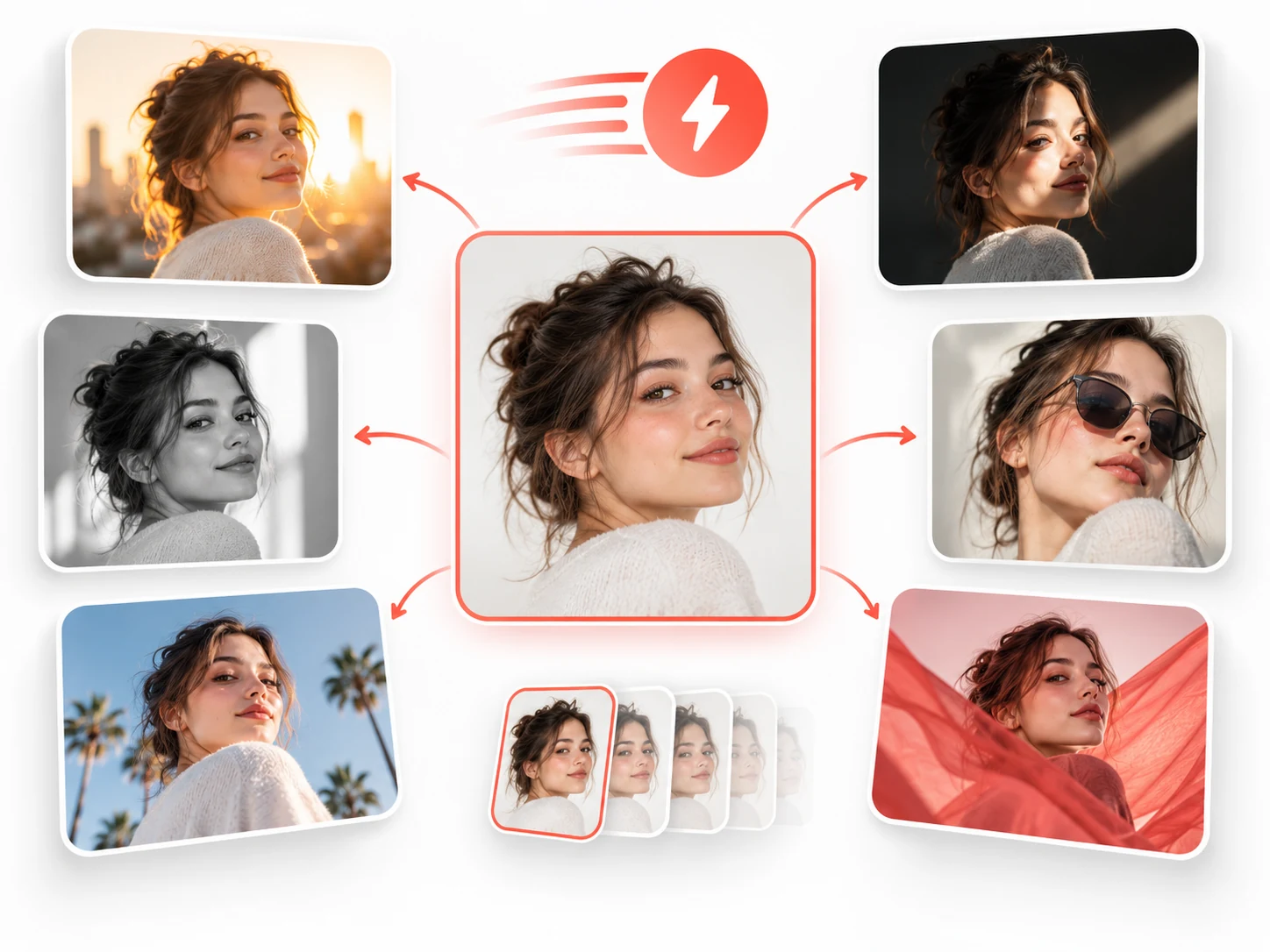
- Describe camera, lighting, skin and clothing texture to establish a clear photographic direction.
- Keep the subject while changing a few variables such as background, composition or mood to explore alternatives.
- Define what a reference-based revision must preserve and what should change in the next attempt.
Suitable tasks
Portrait concepts, lifestyle advertising, creative direction studies and reference-based iteration.
What to consider
Developer speed positioning is not a fixed ImageWish waiting time. Inspect faces, products and local details that need strict preservation.
05 / ByteDance
Seedream 5 Pro
Organize information, design concepts and multilingual layouts.
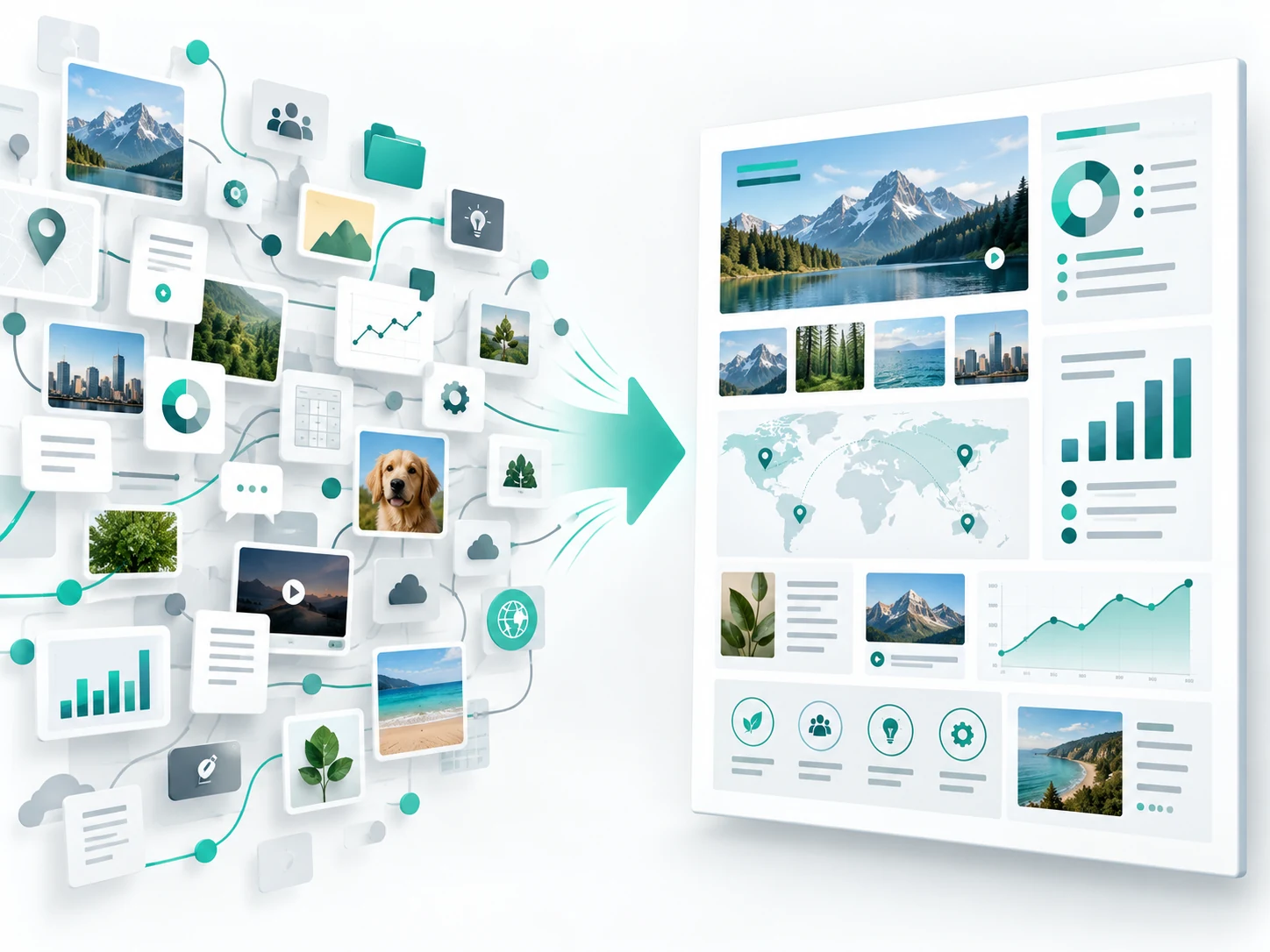
- Arrange supplied facts, subject illustrations and information hierarchy in one composition.
- Coordinate several views or details of a subject inside one concept image to make design relationships easier to discuss.
- Plan text regions and visual hierarchy for different languages, then review the actual wording separately.
Suitable tasks
Product infographics, multiple-view concepts, information presentations and multilingual layout planning.
What to consider
The multilingual illustration is a text-free layout study. Check translations, numbers and structural details; ImageWish has no separate web-search or dedicated mask-editing feature.
06 / ByteDance
Seedream 4.5
Create product and layout visuals from references.
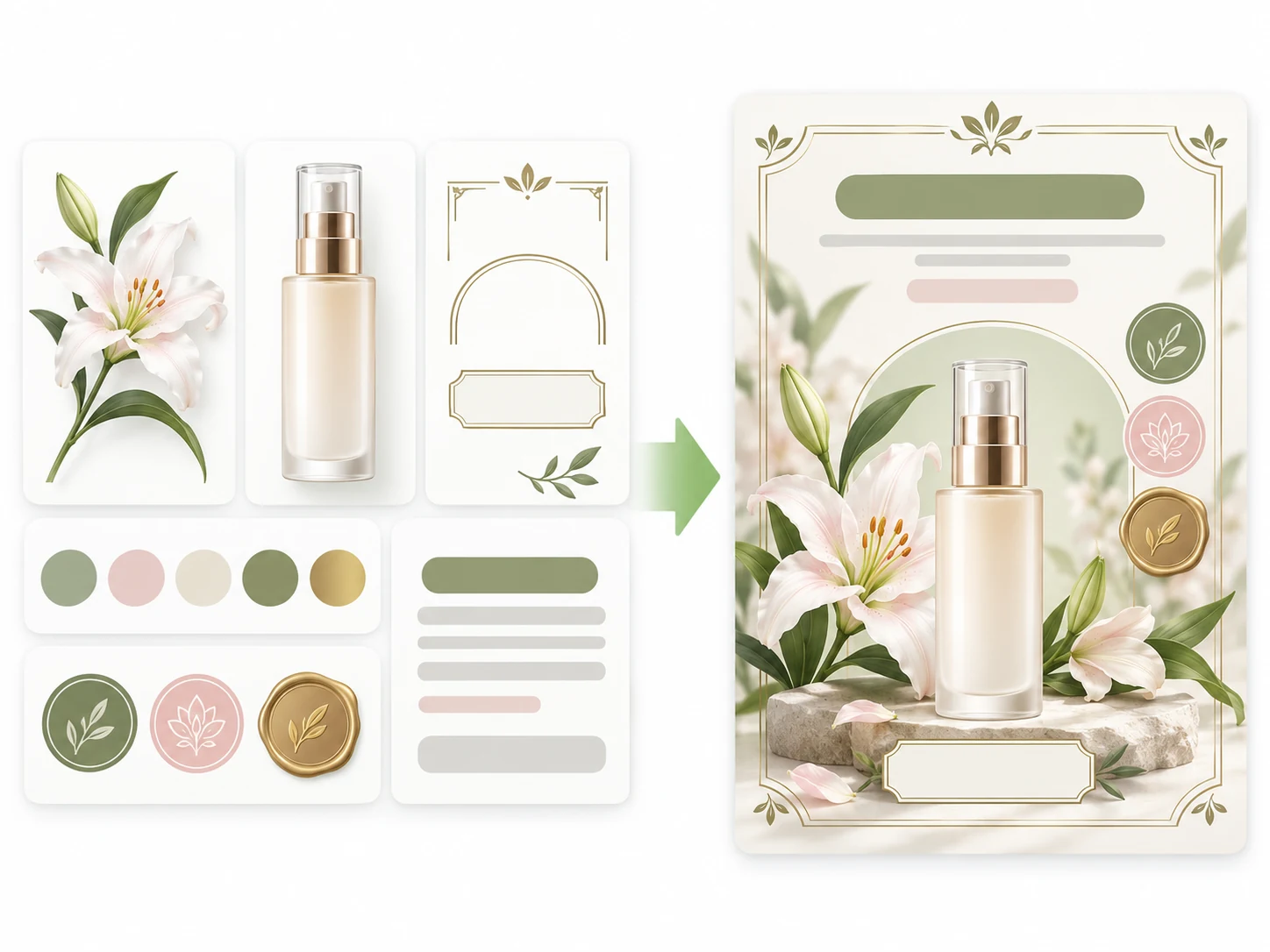
- Compose products, decorative material, headings and copy areas with clear hierarchy and breathing room.
- Start from a product or portrait reference and specify the shapes, appearance and scene details that matter.
- Give multiple references distinct subject, layout or style roles to reduce conflicting instructions.
Suitable tasks
Event posters, product-detail visuals, brand materials, invitations and reference-based variations.
What to consider
Review important copy and product details. The output is one image; continue typesetting or print preparation in a design tool.
Take your idea into the workspace
Describe what to create, add references if needed and confirm the settings and credit cost. Your result will be saved in generation history for review and download.