
Seedream 5 Pro

Organize information, design concepts and multilingual layouts.

25credits / image

Core capabilities and creative approaches

Build a reading hierarchy for dense information

Content-heavy visuals need priority and clear sections. Seedream 5 Pro can explore an infographic structure around your topic, key data and supporting explanations. Make the main point visible first, then guide readers through detail. Reduce decoration and identify which pieces of information belong together before generating.
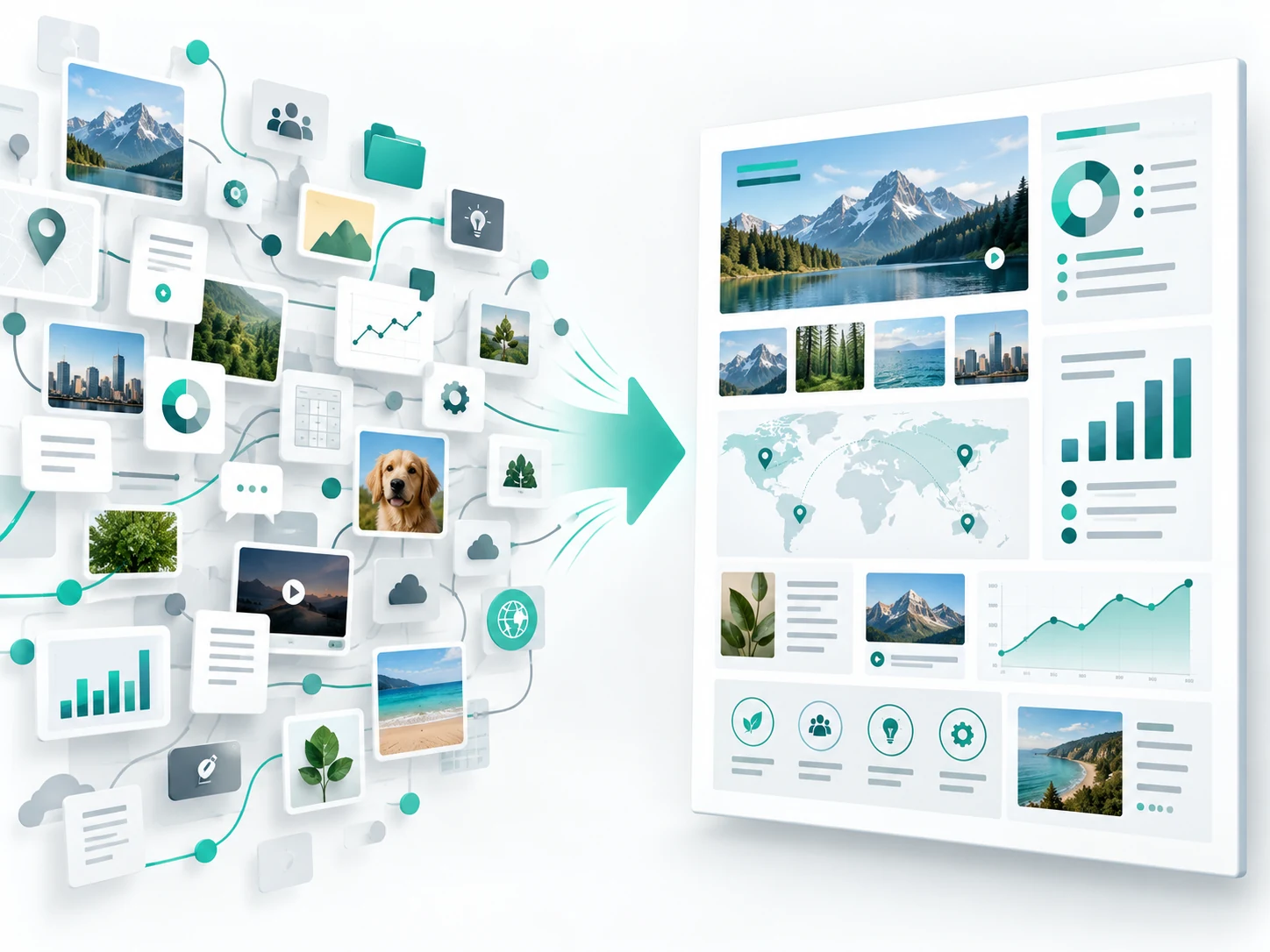
A collection of charts, imagery and symbols organized into a cohesive map-and-chart information board.

How to prompt it

Provide the topic, key data and supporting notes. Request one main chart and three supporting modules, consistent icons and a top-to-bottom reading order, with exact numbers and labels.
Explore one design concept from several views

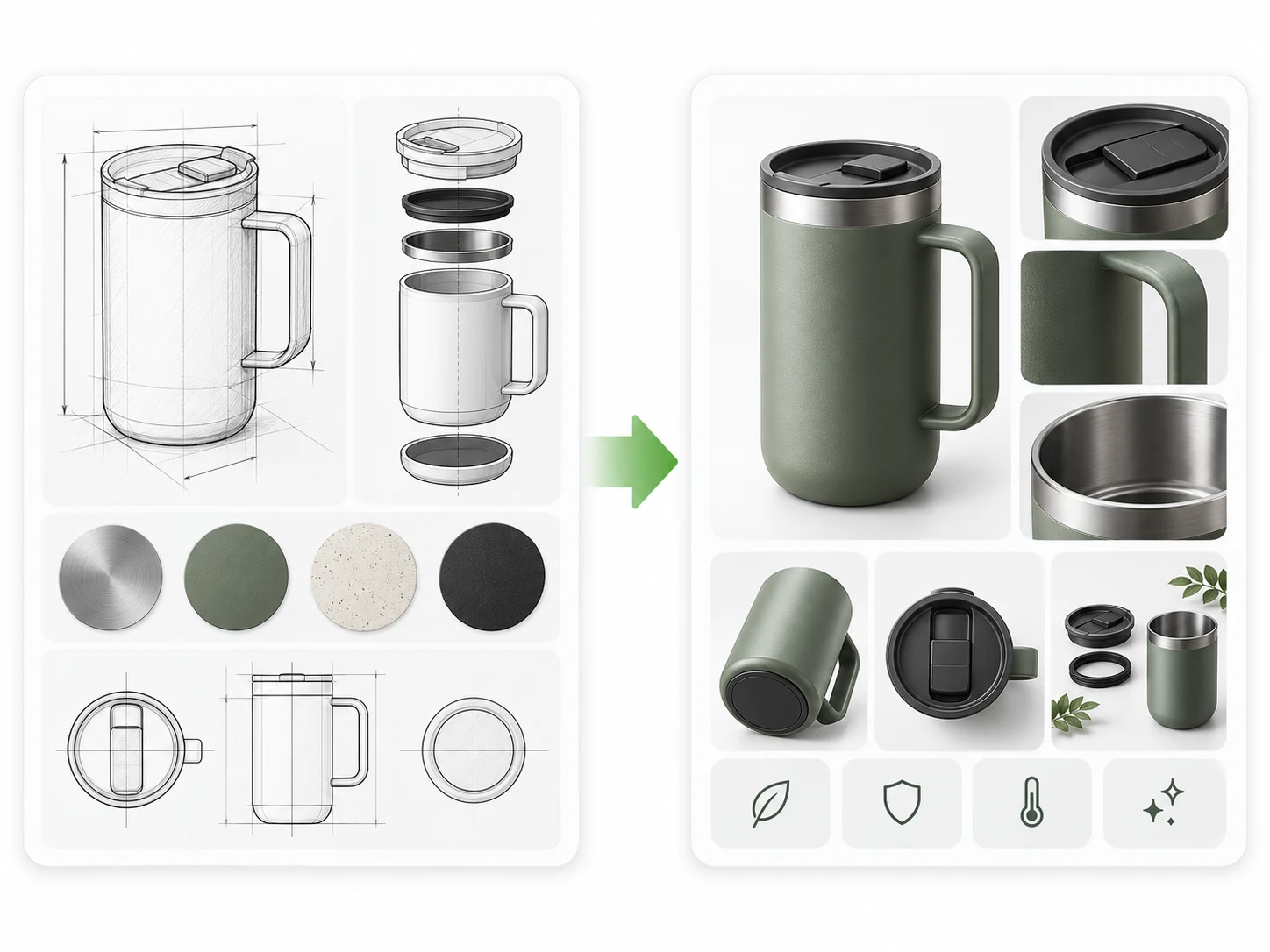
Several views can help communicate a product's shape, structure and material. Seedream 5 Pro can explore front, side and detail views around a common set of features. For a thermos concept, define the body proportions, lid shape and primary color first, then give each view an angle and a purpose.

Tumbler sketches, exploded views and material swatches arranged into a product concept presentation.

How to prompt it

Describe three views of the same thermos: a front silhouette, a side view of the handle and lid, and a material detail. Keep the palette and proportions consistent and arrange the views clearly.

Arrange multilingual copy within one layout

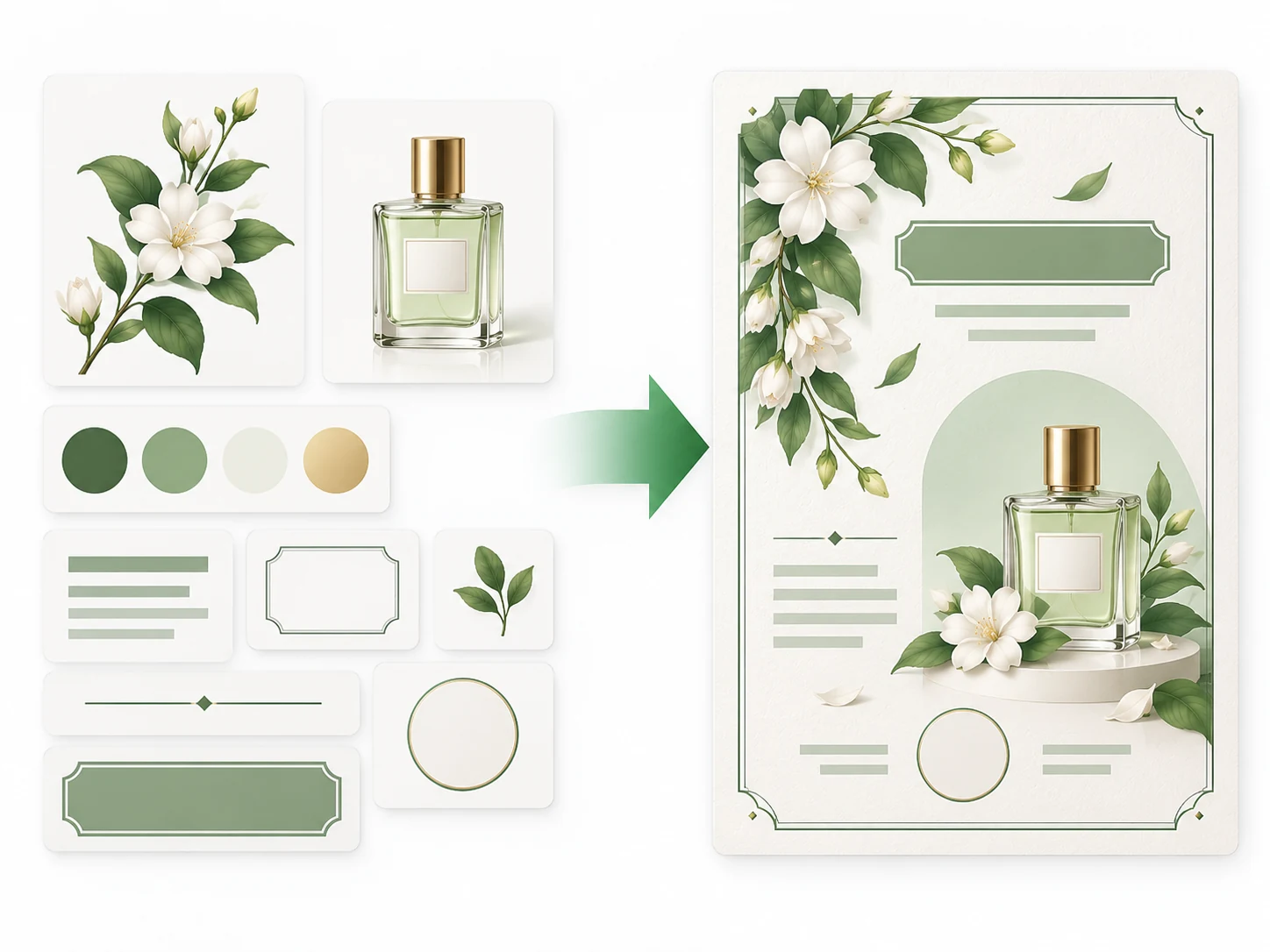
A bilingual poster needs room for different word lengths and a clear reading order. Seedream 5 Pro can arrange headings and content regions around the text you provide. Choose a primary language and give secondary copy its own space so both serve the same visual hierarchy.

Botanical assets, a product and blank copy placeholders organized into a language-neutral graphic layout.

How to prompt it

List the primary headline, translated subtitle and essential labels separately. Assign positions and priority, allow space for longer copy, then review spelling, meaning and line spacing.

Is this model a fit for your task?

When to try this model

Try it for infographics, product concept presentations, multi-view proposals and bilingual promotional visuals. Define the relationships between content regions, design features or languages before exploring their overall arrangement.

What to consider

Review numbers, wording and consistency across views. A concept image can support discussion of appearance and structure, but precise dimensions, engineering drawings and production checks require separate work. Proofread multilingual copy as well.

ImageWish

Try Seedream 5 Pro for free on ImageWish

Sign up for ImageWish for free to receive a one-time gift of 100 credits. Verify your email to use these credits to try Seedream 5 Pro for free. No credit card is required.

A 1K image with Seedream 5 Pro currently costs 25 credits. If you use the entire signup gift for this setting, it covers up to 4 images. Choose your output settings in the workspace and check the credit cost before generating.

The signup gift is shared across all supported models and is granted once per new account. When your credits run out, you can buy a one-time ImageWish credit package as needed, with no subscription or automatic renewal.

Text and reference images
Start with text, or add up to 5 JPEG, PNG or WebP references in the workspace. Describe what to preserve and change.
Multiple aspect ratios
1:1 · 2:3 · 3:2 · 3:4 · 4:3 · 9:16 · 16:9
Your creation flow
Choose settings, check the credit cost and generate one image. Follow progress in history, then view and download the result. You can switch models in the same workspace.

Resolution and credit cost

Resolution and credit cost
ResolutionCredits per image
1K25
2K40

Each generation creates one image. Choose a resolution in the workspace and check the credit cost before you generate. Higher resolution uses more credits; completed images are saved in your generation history.

View ImageWish credit packages

Frequently asked questions

Can a multi-view design image be used directly for manufacturing?

These images communicate a concept. Actual dimensions, assembly and material performance require professional design and verification; generated views cannot establish them.

Should I provide both languages for a bilingual poster?

Provide two verified versions of the copy and specify where the primary and secondary languages belong. Check spelling, translation and layout after generation instead of relying on the model to fill in the wording.

Make it your own

Start with your idea. Seedream 5 Pro will be selected in the workspace.

Start creating

Explore another model