
Nano Banana 2

Create posters, product images and character scenes.

30credits / image

Core capabilities and creative approaches

Organize scattered information into a visual hierarchy

An explainer needs a clear topic, a few key points and visible connections between them. Nano Banana 2 can organize the notes, data and visual elements you supply into a composition, using a central illustration for the main idea and separate regions for supporting detail. For learning cards, infographics and presentation covers, decide what readers should understand before choosing what to illustrate.
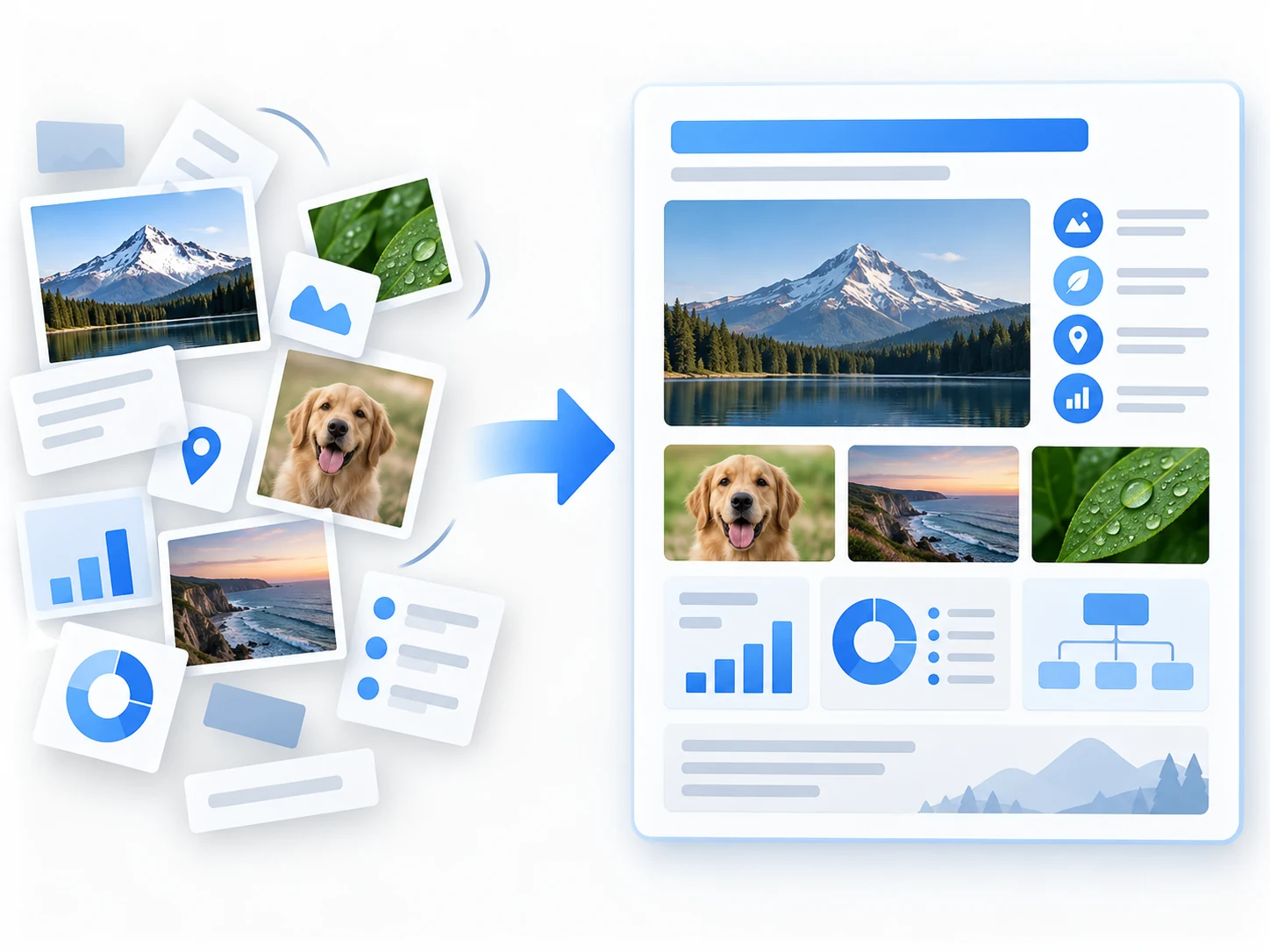
Scattered photographs, charts and icons assembled into a structured information board.

How to prompt it

Provide the topic, three key points and a reading order: a heading at the top, the main process in the center and three supporting sections below. Include the exact facts and numbers you need.
Compose headings, labels and imagery together

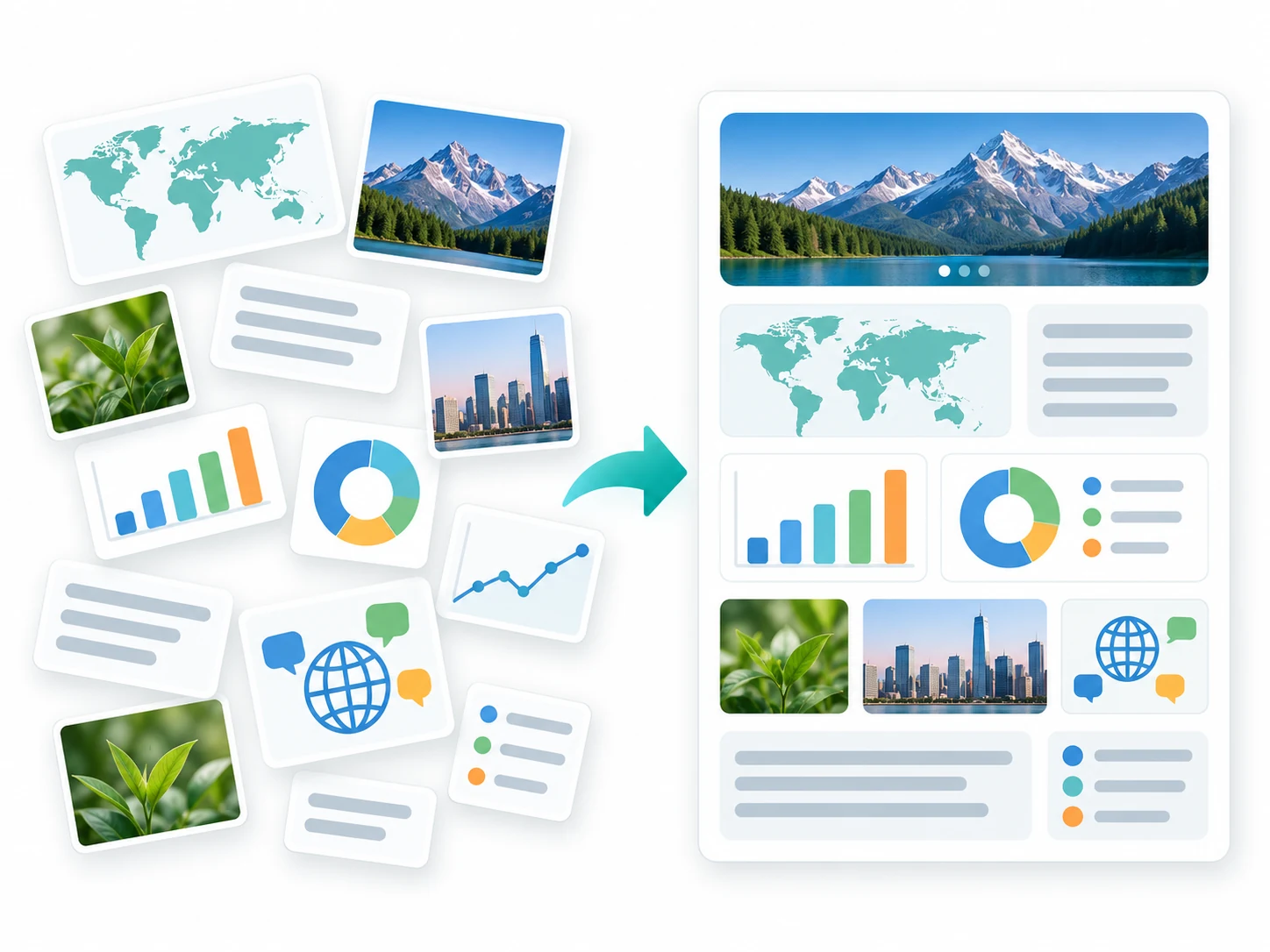
A cover or tutorial graphic needs space for both imagery and readable copy. Nano Banana 2 supports headings, labels and short phrases within a composition, including visual copy in different languages. Specify the space each element needs and its relationship to the illustration. For dense content, shorten the wording and establish a clear hierarchy, then proofread the result.

Maps, a globe and dialogue pictograms organized into a text-free information layout to explain multilingual composition.

How to prompt it

List the exact wording and language, then assign positions: a headline above three illustrated sections, a short label for each, a quiet background and generous spacing.

Coordinate subjects and scenes with several references

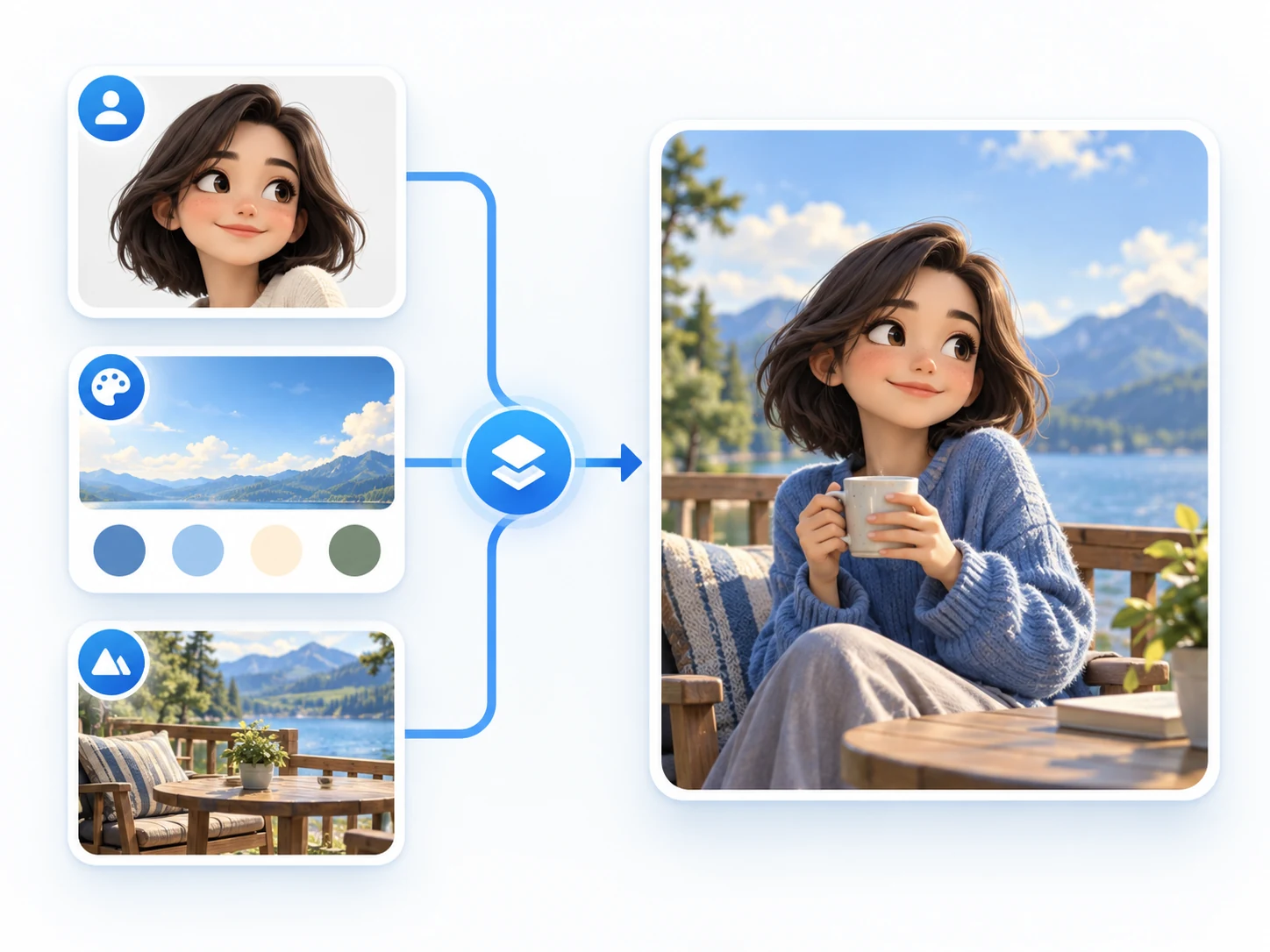
A character, setting and palette can come from different reference images. Nano Banana 2 can carry these cues into a new scene or arrange several related subjects. Give each reference a role and state which details matter. A shared camera angle and lighting direction help describe a coherent scene; review proportions, object placement and appearance in the result.

Portrait, palette and lakeside environment reference cards flowing into one composed scene.

How to prompt it

Assign the first reference to character appearance, the second to the lakeside setting and the third to the palette. Add placement, pose, camera angle and details to preserve.

Is this model a fit for your task?

When to try this model

Start with learning cards, explainers, text-led covers or reference-based variations. When one image needs to communicate both information and a visual concept, use Nano Banana 2 to explore hierarchy and composition before choosing a delivery size.

What to consider

Review wording, numbers, facts and detailed subject relationships. Supply reliable information instead of expecting the model to infer it. Higher resolution gives you a larger file; it does not replace proofreading or resolve an unclear composition.

ImageWish

Try Nano Banana 2 for free on ImageWish

Sign up for ImageWish for free to receive a one-time gift of 100 credits. Verify your email to use these credits to try Nano Banana 2 for free. No credit card is required.

A 1K image with Nano Banana 2 currently costs 30 credits. If you use the entire signup gift for this setting, it covers up to 3 images. Choose your output settings in the workspace and check the credit cost before generating.

The signup gift is shared across all supported models and is granted once per new account. When your credits run out, you can buy a one-time ImageWish credit package as needed, with no subscription or automatic renewal.

Text and reference images
Start with text, or add up to 5 JPEG, PNG or WebP references in the workspace. Describe what to preserve and change.
Multiple aspect ratios
1:1 · 2:3 · 3:2 · 3:4 · 4:3 · 9:16 · 16:9
Your creation flow
Choose settings, check the credit cost and generate one image. Follow progress in history, then view and download the result. You can switch models in the same workspace.

Resolution and credit cost

Resolution and credit cost
ResolutionCredits per image
1K30
2K50
4K80

Each generation creates one image. Choose a resolution in the workspace and check the credit cost before you generate. Higher resolution uses more credits; completed images are saved in your generation history.

View ImageWish credit packages

Frequently asked questions

Can it build an infographic from current web information?

ImageWish has no separate web-search control. Include verified wording, data and dates in your prompt, then check that the image represents them accurately.

How do I make an image with several text sections readable?

Keep essential headlines, short phrases and labels. Assign each a position and reading order, split the content into a few sections and proofread every line. Use several images if one becomes too crowded.

Make it your own

Start with your idea. Nano Banana 2 will be selected in the workspace.

Start creating

Explore another model